Filming skate videos by yourself is one of the most frustrating parts of skateboarding.
You finally find the perfect spot, get excited to try a trick, and then realize there’s nobody there to film you. So you prop your phone against a water bottle, hit record, skate for 20 minutes, and hope the angle works. Later, you open your camera roll and have to sort through a mess of failed attempts, crooked framing, and clips you’ll never use.
The good news is that solo skate filming gets much easier when you use a simple system. In this guide, I’ll show you how to film skate videos by yourself using your phone, better camera angles, simple gear, test clips, and a faster save-or-delete workflow so you can spend more time skating and less time cleaning up your footage.
Table of Contents
Quick Answer: How Do You Film Skate Videos by Yourself?
To film skate videos by yourself, use your phone, a small tripod, and a wide or fisheye lens if you have one. Place the camera low enough to show the board and full trick, record a quick test roll-through, keep each attempt short, and review clips immediately so you can save the good takes and delete the failed ones before your camera roll fills up.
Why Solo Skate Footage Usually Looks Bad
The core issue is simple: most skaters treat the camera like an afterthought instead of a second skater.
You set it up quickly, try attempt after attempt, and sort through the mess later. That usually results in:
- Crooked or tilted framing
- Tricks happening too far away, making the skater look tiny
- Landings or roll-aways getting cut off
- Endless failed attempts bloating the clip
- Bad lighting or a dirty lens ruining good tricks
- A camera roll full of clips you’ll never use
When you film solo, you have to think like both the skater and the filmer. That starts before you even hit record.
How to Film Skate Videos by Yourself With a Phone
You do not need a professional camera to film good skate clips by yourself. A modern iPhone or recent Android can shoot great skate footage if you set it up correctly.
The most important thing is not the camera itself. It is how you frame the trick.
Before you start filming, ask yourself:
- Can the viewer see the approach?
- Can the viewer clearly see the trick?
- Is the landing visible?
- Is there enough space for the roll-away?
- Is the skater too far away or too close?
- Is the phone stable?
A lot of bad solo skate clips happen because the camera is placed randomly. You hit record, hope for the best, and only realize later that the trick was too far away, the landing was cut off, or the angle made the trick look smaller than it felt.
When you are filming yourself skating, always record a quick test clip first. Roll through the trick path without trying the full trick, then check the footage. This one habit can save your entire session.
Start With Intention — Visualize the Trick First
Before placing your phone, decide what story the clip needs to tell.
Flatground kickflip? Use a lower angle to show the board pop and catch clearly.
Ledge or rail trick? Show the approach, lock-in or slide, and clean roll-away.
Stairs or gap? Capture the takeoff, flight, landing impact, and ride away.
Line? Use a wider frame so you do not skate out of the shot.
A simple rule I use:
Place the camera where the full story of the trick is easiest to understand.
The viewer should instantly understand what happened: the approach, the trick, the landing, and the control on the roll-away.
Best Gear for Filming Skate Videos Alone
You do not need pro-level equipment to get solid results. Start simple and upgrade only when it actually improves your clips.
Core Setup
Your Phone
Modern iPhones and recent Androids shoot excellent video. Use the main camera for the best quality, or the ultra-wide lens when you need to capture more of the spot.
Flexible Tripod
A small GorillaPod-style tripod is one of the best investments for solo skate filming. You can wrap it around rails, poles, fences, or set it low on the ground for stable, repeatable angles.
Fisheye Lens
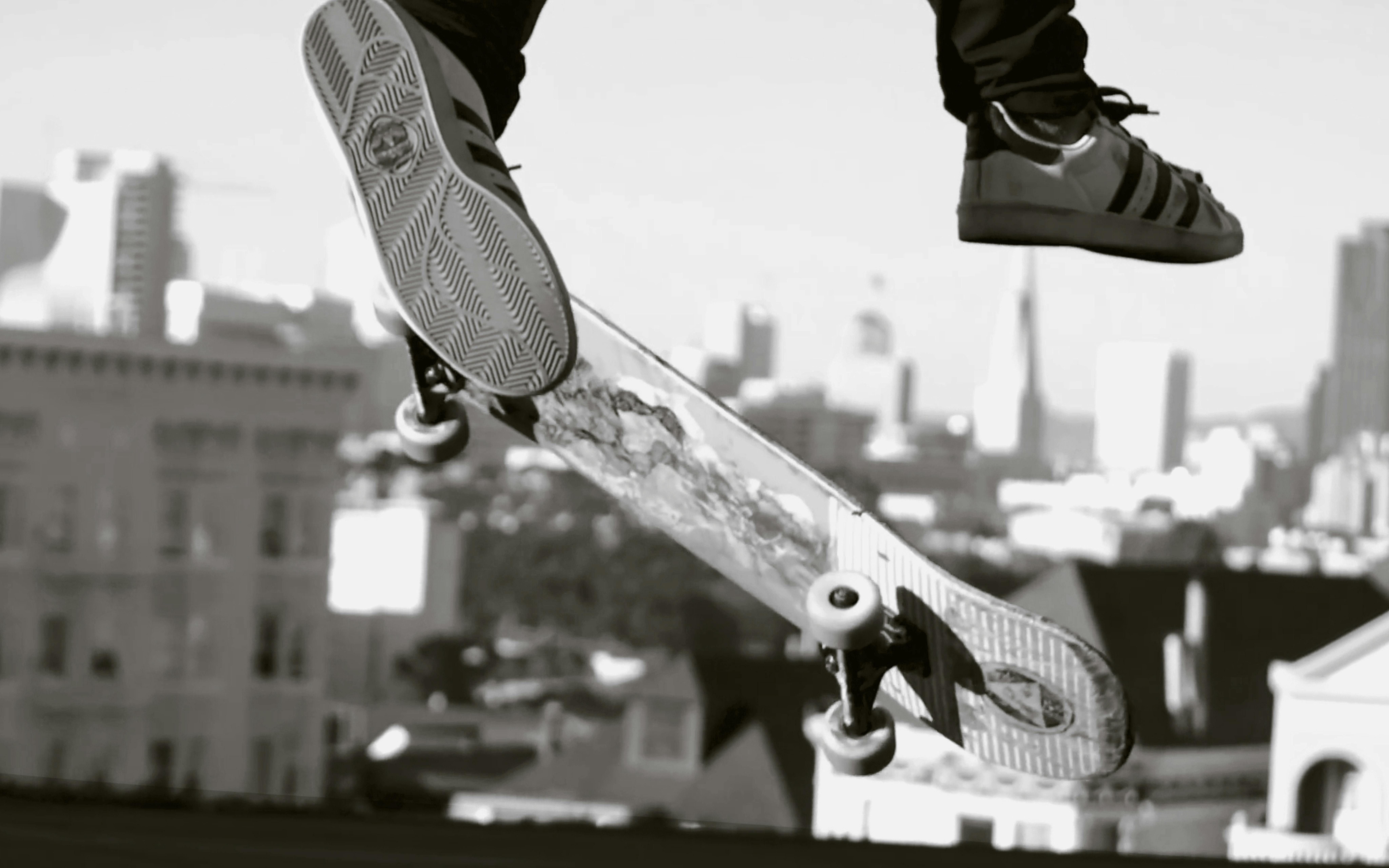
A fisheye lens is one of the biggest upgrades if you want that classic skate video look. It helps make tricks feel more dynamic, especially for ledges, rails, lines, and close-up shots.
Recommended Fisheye Lens for Skateboarding
If you want sharp, cinematic fisheye footage that makes tricks look dynamic and pro, the Moment 14mm Fisheye Lens is a strong option. It gives you a wide, energetic perspective that works well for skateboarding without making the footage feel unusable or overly distorted.
Budget-friendly option: SANDMARC fisheye lenses are also popular and can deliver solid results for the price.
There are also cheaper fisheye lenses available on Amazon. They may not have the same image quality, but they can still help you experiment with the skate video look without spending too much.
Other Helpful Items
- Bluetooth remote or voice commands for hands-free start and stop
- Small power bank because filming video drains battery fast
- Chalk or tape to mark your pop and landing spots
- Microfiber cloth to clean your lens
- Small backpack or water bottle to support your tripod if the ground is uneven
Best Camera Angles for Solo Skate Filming
Camera angle can make or break a clip. Here are the most reliable setups for filming skate videos by yourself.
Static Tripod Angle
This is the most versatile setup for flatground, ledges, rails, stairs, and skatepark obstacles.
A low-to-medium height usually works best. Knee-to-waist height feels more dynamic than eye level. Avoid placing the phone too high because it can make tricks look flat and less impressive.
Low Ground Angle
A low ground angle makes tricks feel bigger and emphasizes pop, board movement, and impact. This works well for kickflips, heelflips, banks, and tricks where you want the board to feel close to the camera.
Before committing to this angle, record a test clip so you do not cut off your head, feet, or landing.
Side / Parallel Angle
A side angle works well for boardslides, 50-50s, grinds, manuals, and nose slides. It shows the motion clearly and makes it easier for the viewer to understand what happened.
This is one of the safest angles when you are filming yourself because it gives you a clear path across the frame.
Three-Quarter Angle
A three-quarter angle adds depth and works well for stairs, gaps, rails, banks, and ledges. Instead of filming completely from the side, place the camera slightly diagonal from the trick path.
This gives the clip more dimension and helps show the approach, obstacle, and landing in one shot.
Fisheye Close-Up
A fisheye close-up creates that raw, energetic skate video feeling when the board passes near the lens. It works especially well for ledge tricks, rail tricks, and creative street clips.
Just be careful. Always do a safety test first so you do not kick your phone, tripod, or lens.
How to Frame Skate Tricks When Filming Yourself
Framing is one of the most important parts of solo skate filming.
A good skate clip usually needs four parts:
- The approach
- The trick
- The landing
- The roll-away
If the roll-away is cut off, the trick can feel unfinished. If the approach is missing, the clip can feel rushed. If the skater is too far away, the trick loses impact.
Before recording a serious attempt, stand where the trick starts and look at your phone screen. Then walk or roll through the path of the trick. Make sure your full body, board, obstacle, and landing area stay inside the frame.
Pro tip: always record a test roll-through first. Check framing, lighting, whether you stay in the shot, and whether the landing is visible. This one habit saves entire sessions.
The Run-Back Method for Solo Skate Filming
The classic solo filming workflow is:
Set camera → hit record → skate the trick → run or roll back → stop recording.
It works, but it creates a huge problem.
One 10-second attempt often turns into a 40–60 second clip full of setup, walking back, failed attempts, and dead time. Multiply that by 30–50 tries and your phone can become unusable mid-session.
This is one of the biggest frustrations when you film skate videos by yourself. You are not just skating. You are also managing storage, reviewing clips, and trying not to lose momentum.
How to Avoid Filling Your Camera Roll With Bad Clips
The easiest way to avoid a bloated camera roll is to make quicker decisions after each clip.
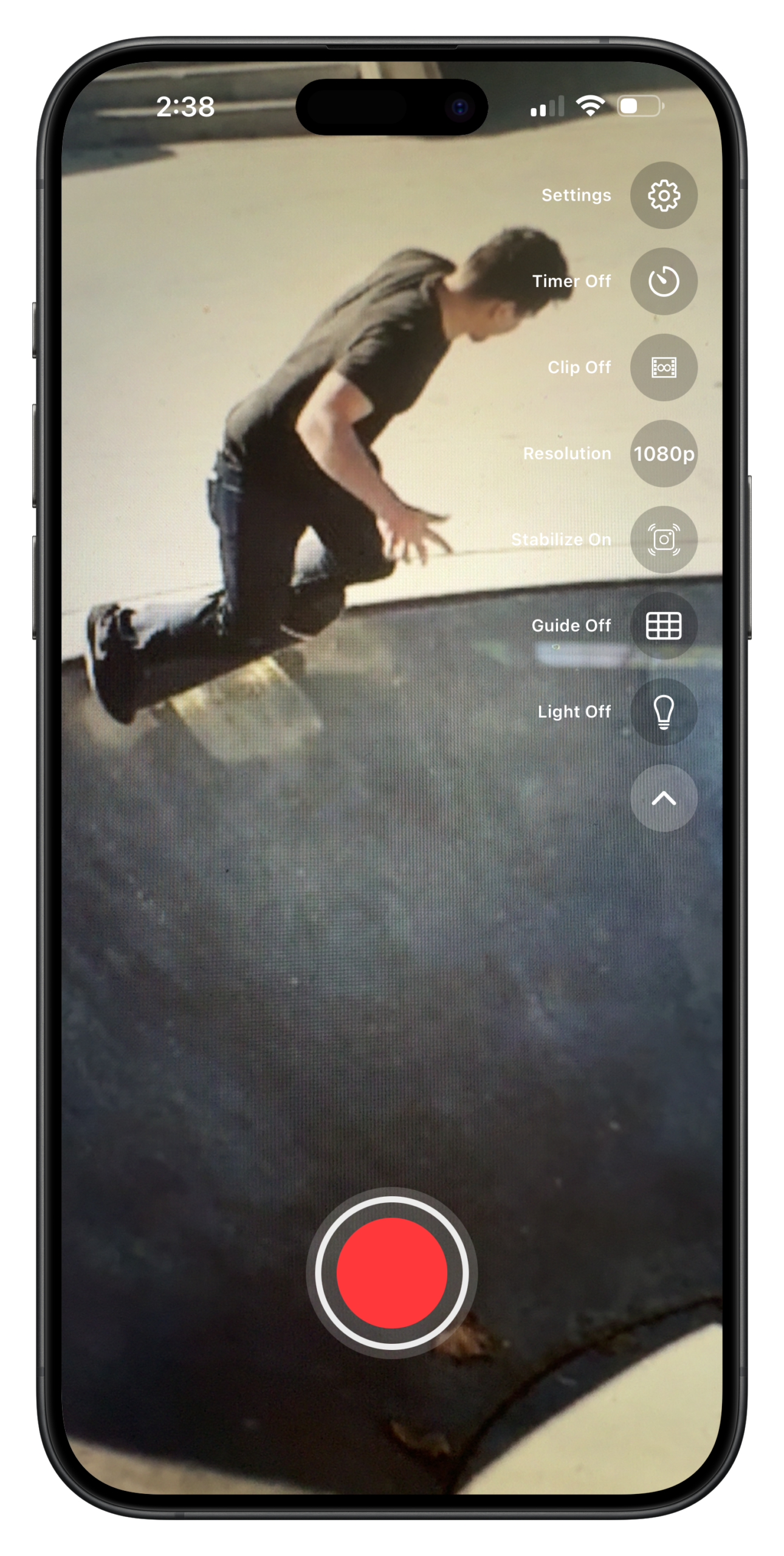
This is exactly the problem I faced constantly while skating and developing ShredCam.
After every single clip, ShredCam instantly asks:
Save or Delete?
You make the decision right there while the trick is still fresh in your mind.
Good take? Save it.
Bad attempt? Delete it immediately.
Almost had it and want to study the attempt? Save it for later review.
No more bloated camera rolls. No more wasting time deleting junk at home. You stay in the zone and focused on skating.
Common Solo Skate Filming Mistakes to Avoid
When you are filming skate videos by yourself, avoid these common mistakes:
- Filming too far away so the trick looks tiny
- Skipping the test clip
- Cutting off the roll-away
- Recording long takes instead of short attempts
- Using the exact same angle for every trick
- Shooting directly into harsh sunlight
- Forgetting to clean your lens
- Placing the phone where it can get hit
- Not checking if the full trick path stays in frame
- Waiting until the end of the session to delete bad clips
A clean solo filming session is not about having the most expensive gear. It is about creating a repeatable system that keeps you skating instead of constantly fixing the camera.
Simple Workflow for Filming Skate Videos by Yourself
Here is a simple workflow you can use every session:
- Arrive at the spot and pick your trick.
- Visualize the movement and choose the best angle.
- Set up your phone and tripod safely.
- Record a test roll-through.
- Review the framing, lighting, and landing area.
- Adjust the camera if needed.
- Start filming short attempts.
- After each clip, save the keepers and delete the bad takes.
- Land the trick clean.
- Celebrate and move on.
This keeps the session flowing and prevents phone management from killing your momentum.
Best App for Filming Skate Videos by Yourself
The regular camera app works, but it was not designed specifically for skaters.
That is why I built ShredCam.
ShredCam is a skate camera app made for skaters who film themselves. The goal is simple: help you film clips faster, keep only the good takes, and avoid filling your phone with useless footage.
The instant Save or Delete prompt changes the workflow. Instead of recording for 20 minutes and cleaning up later, you make quick decisions after every clip.
That means less clutter, less wasted storage, and more focus on actually landing the trick.
Final Thoughts: Skate More, Film Smarter
Filming yourself gives you complete freedom. No waiting for friends. No schedule conflicts. No need for a filmer. Just you, the spot, and the trick.
The secret is not fancy gear. It is building a simple, repeatable system:
- Choose intentional angles
- Record test clips
- Keep attempts short
- Review clips immediately
- Save the good takes
- Delete the bad ones before they pile up
Start with what you have. Add a flexible tripod and a quality fisheye lens when you are ready. The more you film yourself, the better your eye becomes.
If you want to film more and spend less time cleaning up your camera roll, download ShredCam. It’s the skate camera app I built for skaters who film themselves, with a clean interface, fisheye-friendly stabilization, and an instant Save or Delete prompt after every clip.
FAQ About Filming Skate Videos by Yourself
What is the best way to film skate videos by yourself?
The best way to film skate videos by yourself is to use a phone on a small tripod, record a short test clip, keep the skater and obstacle fully in frame, and film short attempts instead of long recordings. After each try, review the clip and delete bad takes immediately.
Can I film skate videos by myself with just an iPhone?
Yes. A modern iPhone is more than enough for solo skate filming. Use the main camera for quality, the ultra-wide camera for lines or tight spots, and a tripod or stable surface to keep the frame steady.
Should I film skateboarding horizontally or vertically?
Film horizontally for YouTube, longer edits, and traditional skate videos. Film vertically for TikTok, Instagram Reels, YouTube Shorts, and app-based sharing. Choose based on where you plan to post the clip.
What camera angle is best for skateboarding?
Low or medium tripod angles usually work best for solo skate filming. Low angles make tricks look bigger, while side and three-quarter angles help show the full approach, trick, landing, and roll-away.
Do I need a fisheye lens to film skate videos?
You do not need a fisheye lens, but it helps create the classic skate video look. A fisheye is especially useful for ledges, rails, close-up tricks, and tight spots where you want the board and skater to feel more dynamic.
How do I stop my phone from filling up with failed skate clips?
Film shorter attempts and delete bad clips immediately after each try. This is the problem ShredCam is built for: after every clip, it asks you to save or delete so your camera roll does not fill up with failed attempts.